
Kiosk2.0 Features, Functionalities, and Enhancements

In 2026, we are launching Kiosk2.0, the next generation of video banking kiosk software. Kiosk2.0 will include a variety of new features and enhancements. To see the short-form version of these features, you can download the explainer sheet.
The purpose of this post is to take an in-depth look at these new features and functionality.
Dual Monitor and Touch Screen capabilities
One of the most noticeable upgrades in Kiosk2.0 is the updated end-user experience, starting with dual monitor and touch screen capacity. While touch screens are already compatible with our Kiosk software, Kiosk2.0 makes them a focal point.
With Kiosk2.0, financial institutions can replace the mouse, keyboard, and electronic signature pad with a touchscreen. With this setup, the agent would appear on the primary monitor while the end-users’ interaction tools would appear on the secondary monitor.
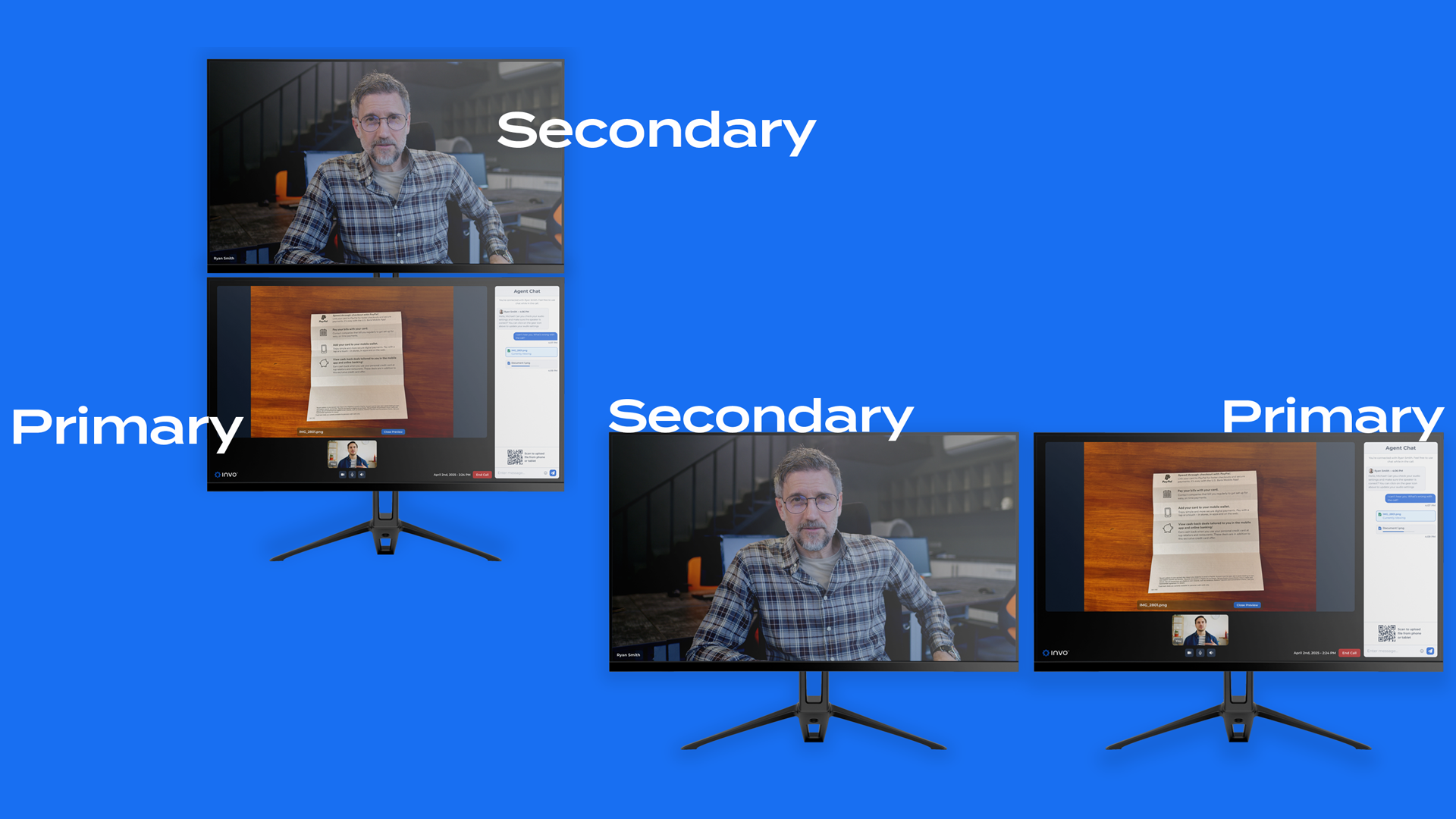
Financial institutions can opt for a stacked monitor setup or a traditional two monitor setup.
These interaction tools include the in-call chat function, co-browsing, filling out forms, and even signing them electronically.
Traditional single-monitor setups would also have access to full feature functionality. Financial institutions that don’t want to utilize a two-monitor setup or buy additional hardware can still take advantage of their existing setup without missing out on any of the other feature enhancements.
Sleek Frosted Glass User Interface
Another upgrade to the end-user experience is the update to the frosted glass user interface. The sleeker, more modern UI not only looks more up-to-date but also promotes a smoother start-to-finish experience for end-users. Whether from a touch screen or traditional setup, end-users can quickly select who they need to speak to and create a call.
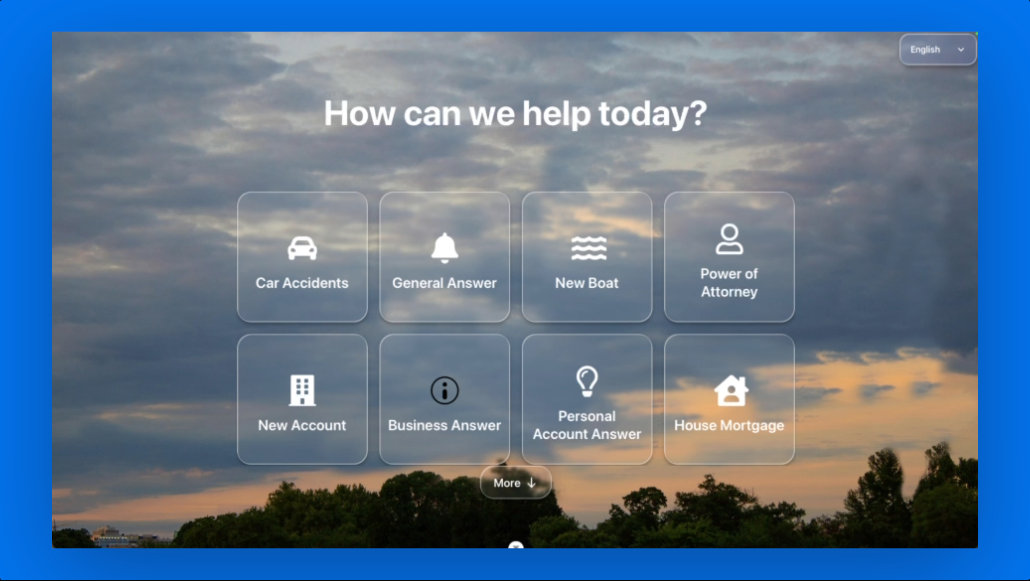
Kiosk2.0 Create Call page, featuring upgraded frosted glass UI
Setup Wizard
One of our goals with Kiosk2.0 was to make it easier to set up a new kiosk. Our new setup wizard will guide your staff through authenticating and registering a new kiosk, as well as easily assigning microphones, monitors, and sound settings.
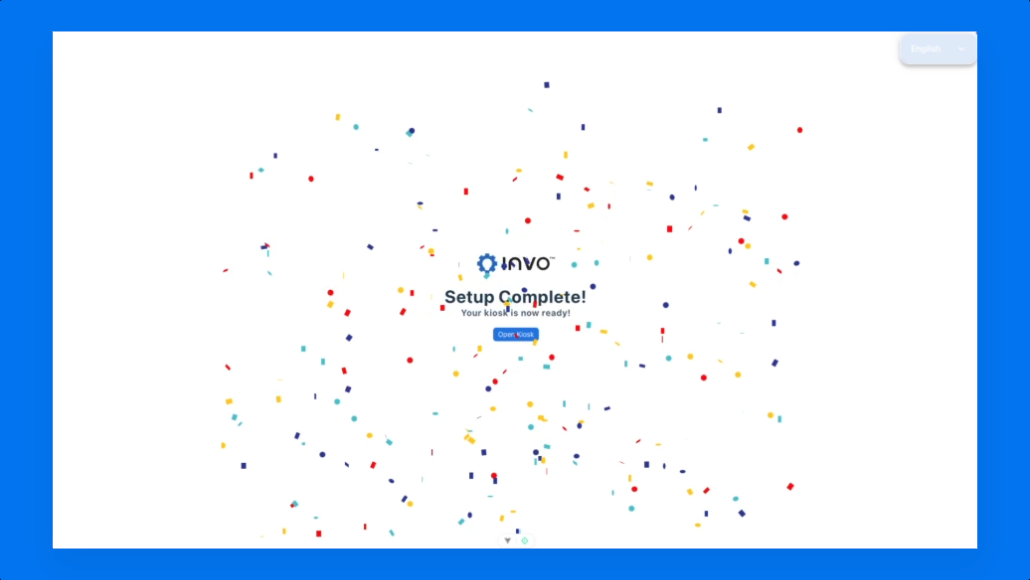
The final page of the new Kiosk2.0 setup wizard
Enhanced App Architecture
While not entirely browser-based, the current Kiosk app’s construction is more browser-focused. The new app’s build is designed to be is more efficient. Kiosk2.0 will create significant performance gains, including smaller run times, faster startup, and lower memory usage on your machines.
This includes enhancements to our single sign-process, which will make it even easier for administrators and staff to access the platform.
More Admin Control
With Kiosk2.0, we have significantly overhauled admin capabilities, with the intent to make life easier on your video banking administrators. These capabilities include:
More Intuitive Admin Access
No more hidden shortcuts to access admin management tools. Our new software is more intuitive and simpler. All that an admin needs to do to access their management tools is click on the logo image three times and provide their admin code.
More Admin Controls
Admins will not only have an easier time accessing their tools, but they’ll have more to choose from. From their management section, admins can quickly shut down, restart, or reset the kiosks if troubleshooting is necessary. Admins can also see local logs and change the kiosk’s configuration and device setup.
More Troubleshooting and Support Capabilities
Along with access to local logs, Kiosk2.0 features enhance logging. This includes network logs, allowing for better troubleshooting and reporting of network quality. We are also upgrading triage support with the new software.